OSX
Reconnect Bluetooth Devices After Waking From Sleep
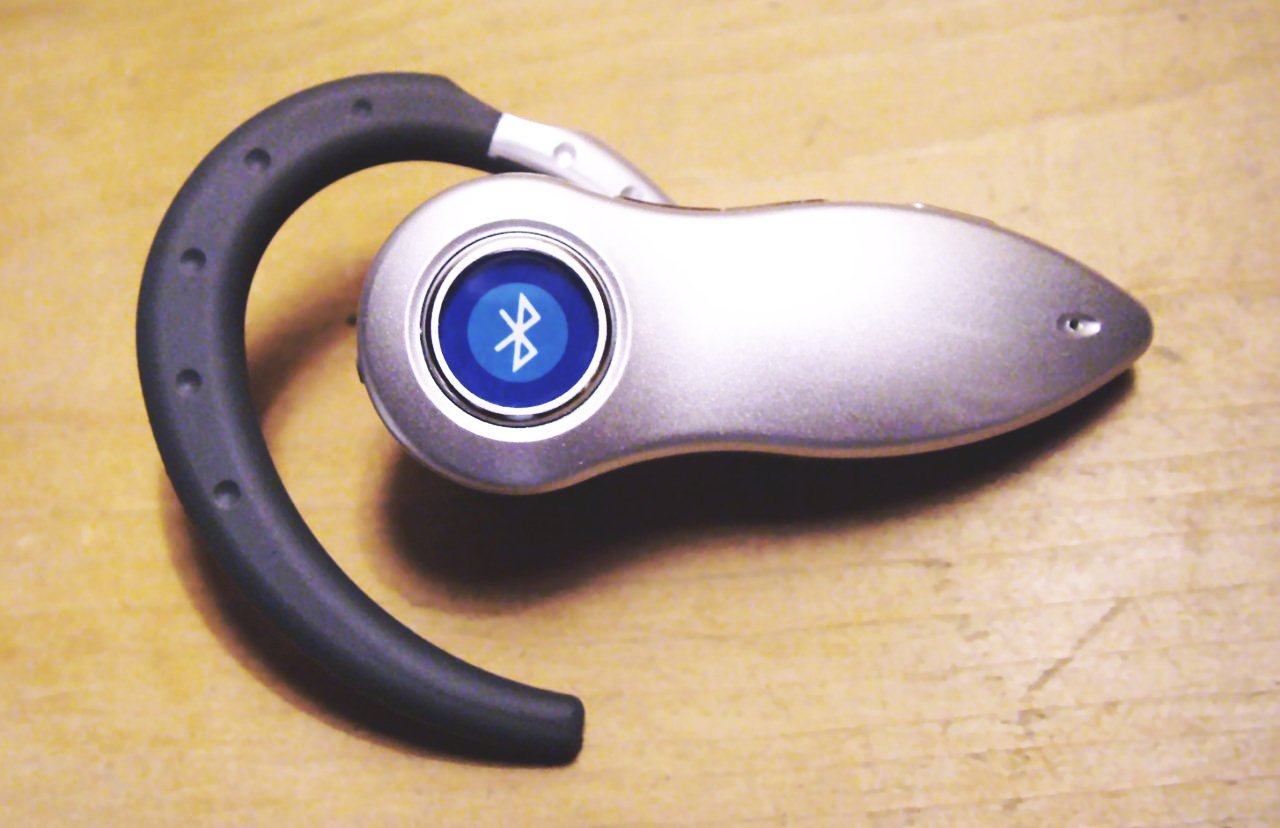
My Macbook goes to sleep when I leave it idle for a few minutes which saves energy and locks the screen. Quite annoyingly - for a long time - upon waking up from sleep my Bluetooth devices would no longer be connected, and I was unable to reconnect them without rebooting. This was true for my headphones, my Jambox, and my cordless mouse.
OS X Bluetooth fixes I tried (that didn't work)
After searching Google I found a few suggestions but none provided a permanent solution. A couple of things I tried -- Turning the BT radio off - this didn't seem to do anything.
- Unpair and re-pairing the device - unpairing would succeed, but it couldn't see any of the devices to re-pair them.
- Rebooting - this would work but I had to.... reboot.
- Deleting the <code>/Library/Preferences/com.apple.Bluetooth.plist</code> preferences file - this would work but I think it had more to do with the fact that I had to reboot after.
Did you turn it off and back on again?
- First select the Bluetooth icon in your system tray and choose "Turn Bluetooth Off".
- Next select the WiFi icon in your system tray and choose "Turn Wi-Fi Off".
- Now you can turn your BT radio back on via the same icon, but choosing "Turn Bluetooth On".
- You should now be able to reconnect your devices.
- Re-enable your Internet connection by selecting the WiFi icon and choosing "Turn Wi-Fi On".